
Space features
From booking to closing the register, manage your practice in one place.
Features may depend on your plan, active modules or practice settings. See plans
24/7 online booking
Accept bookings even when your practice is closed.
- Publish your services and practitioners on a branded booking site.
- Show available times in the patient's time zone.
- See confirmed online bookings in your calendar.
Reminders and patient confirmation
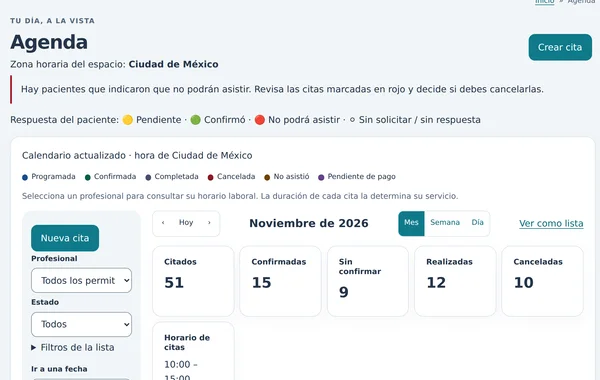
See the patient's response before the appointment.
- Send automatic reminders by email or WhatsApp, depending on your channel settings.
- Collect the patient's response through the confirmation link.
- See who confirmed, who has yet to reply and who cannot attend.
Waitlist
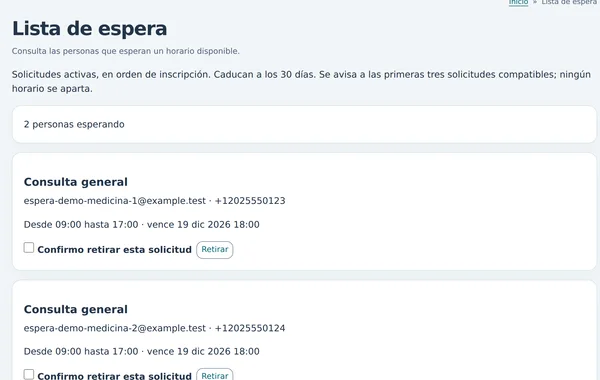
Offer newly available times to patients who are already waiting.
- Accept requests when there are no times in the requested range.
- See preferred services, practitioners and dates.
- Offer an opening via WhatsApp when the channel is configured and the patient has opted in.
Payments and cash register
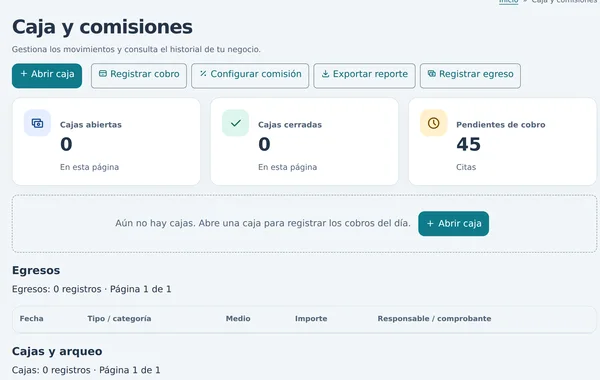
Keep track of payments throughout the day.
- Record payments and their payment method.
- Open and close the register and reconcile expected and counted amounts.
- Review payments by currency and set commissions by practitioner and service.
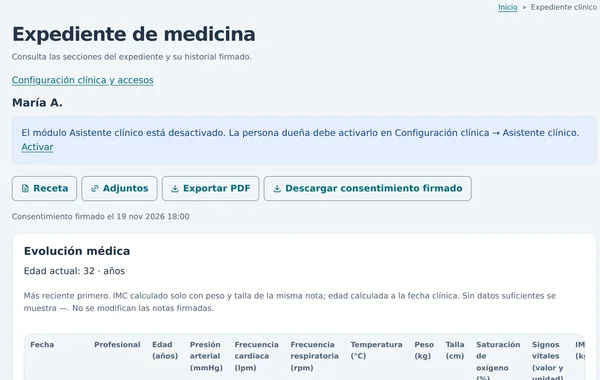
Specialty clinical records
Pick up each visit with the patient's history and fields for your specialty.
- Use templates for medicine, therapy, dentistry, nutrition, pediatrics, gastroenterology and aesthetic medicine.
- Records are also available for obstetrics and gynecology, dermatology, cardiology, physiotherapy and ophthalmology.
- Review history and sign clinical notes with the appropriate permissions.
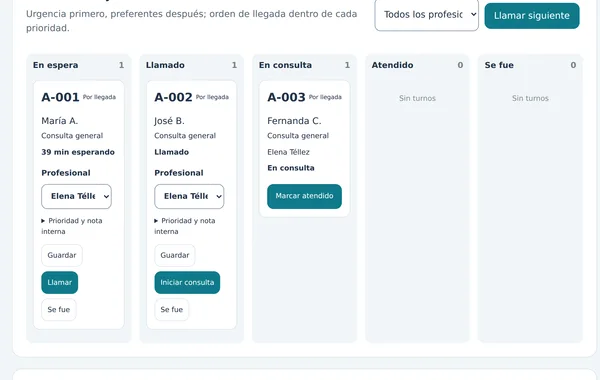
Waiting room with QR and display
Organize arrivals and call the next ticket.
- Share a QR code so patients can request a ticket.
- Manage arrivals and call tickets from the dashboard.
- Show called tickets on the waiting-room display.
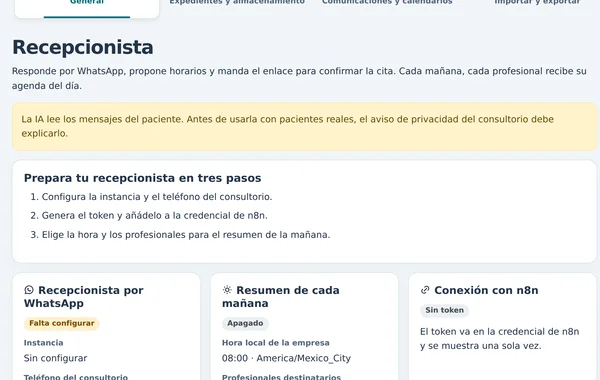
AI receptionist on WhatsApp
Handle scheduling questions on WhatsApp with a configured reception workflow.
- Recognize returning patients by their phone number.
- Suggest times and share a link to confirm the appointment.
- Set up a daily schedule summary for your practitioners.
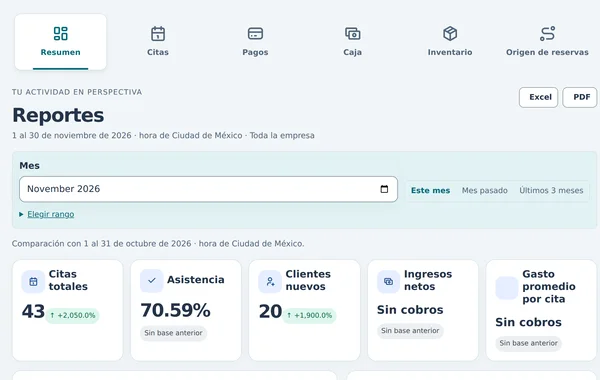
Practice reports
Review calendar activity and appointment outcomes.
- Filter activity by date and practitioner.
- See appointment totals by status.
- Review activity by service.
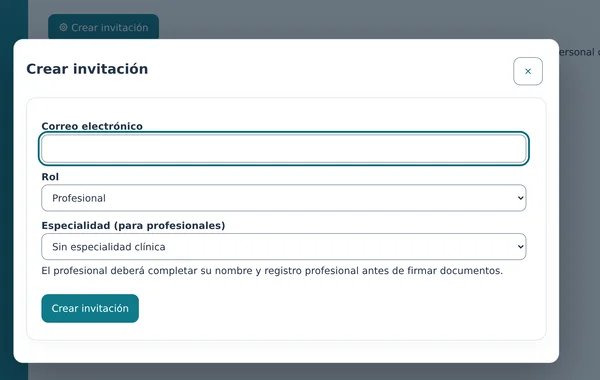
Team and invitations
Give each team member their own practice account.
- Invite practitioners and practice staff.
- Assign each person the role that fits their work.
- Review pending invitations and revoke any you no longer need.
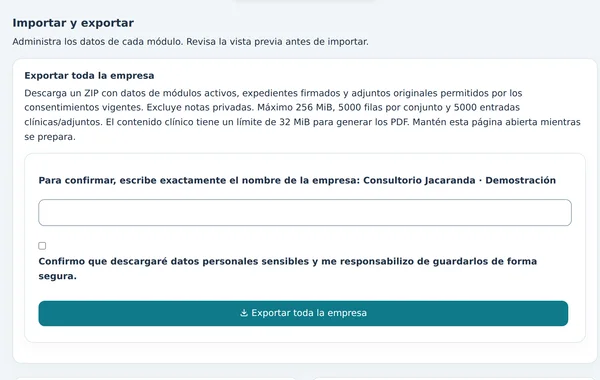
Company export
Download a copy of your exportable practice data from an owner account.
- Generate a ZIP with data from active modules.
- Include signed clinical records and attachments covered by current consent.
- Private notes are excluded. File size and record limits apply.
Law firms
- Assign matters and keep notes and document versions in configured private storage.
- Track time, expenses and advance payments, and download a PDF statement.
- See hearings and proceedings in the calendar and review deadlines for the week.
- Share documents and statements in the client portal.
Try Space for 30 days
Start without a card and use your specialty's clinical record during the trial. Usage-based automated replies are billed separately.